Login to Internet banking
A brand-new experience - smarter, faster, and secured






You gain a dedicated partner committed to helping you reach your full potential and achieve new heights
Know More

BRAVO (Auto Sweep)
Convert the idle funds in your current account into a fixed deposit with the BRAVO feature.
Know More
Zero Forex Markup Current Account
Maximise your savings and boost profitability with our Zero Forex Markup current accounts
Know More






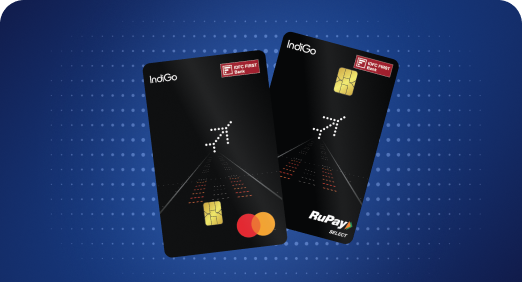


A Card that Powers your Savings & Lifestyle
IDFC FIRST Bank HPCL Credit Card









Most Searched
Earn up to 7% interest on your Savings Account
Open Account Now
Download our app
Get instant help for all your queries in one place
Unlock features, exclusively available
only on the IDFC FIRST Bank app
Trusted by 1.2+ million Indians.


4.8

4.8

Tools & Calculators
Privilege Program



Tools & Calculators

Unlock features, exclusively available
only on the IDFC FIRST Bank app
Reward points can be redeemed against products at the bank's online shopping portal, as Airmiles or in cash value to reduce your amount due. The redemption value of points to Rupees will vary depending on the exchange category.
Step 1 -Please visit the nearest IDFC FIRST Bank Branch.
Step 2 -Please carry along any one of the officially valid documents [OVD] - Passport, Driving License, Voter ID, Job Card issued by NREGA, Letter issued by National Population, Register Aadhaar card / E-Aadhaar with you.
Step 3 -The representative will submit the request on your behalf and the details will be changed in 48 hours.
CLICK HERE to locate the nearest IDFC FIRST branch.
Step 1 -Log in to NetBanking/Mobile Banking and tap on the ‘Loans’ section on the dashboard.
Step 2 -Select the loan and click on the 'Documents' text mentioned.
Step 3 -From the detailed list of documents, select the ‘Interest Certificate’ option.
It’s done! The file will be downloaded on the device.
CLICK HERE for pictorial view.
Step 1 -Log in to your NetBanking/Mobile Banking and click on ‘Loans’.
Step 2 -Select the ‘Loan’ option.
Step 3 -Scroll down on the dashboard to find the ECS details.
CLICK HERE for pictorial view.