








Login to Internet banking
A brand-new experience - smarter, faster, and secured


BRAVO (Auto Sweep)
Convert the idle funds in your current account into a fixed deposit with the BRAVO feature.
Know More

Zero Forex Markup Current Account
Maximise your savings and boost profitability with our Zero Forex Markup current accounts
Know More
BRAVO (Auto Sweep)
Convert the idle funds in your current account into a fixed deposit with the BRAVO feature.
Know More
You gain a dedicated partner committed to helping you reach your full potential and achieve new heights
Know More



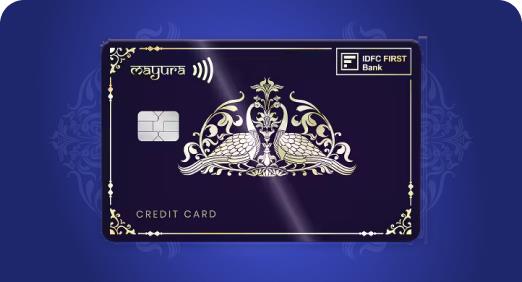
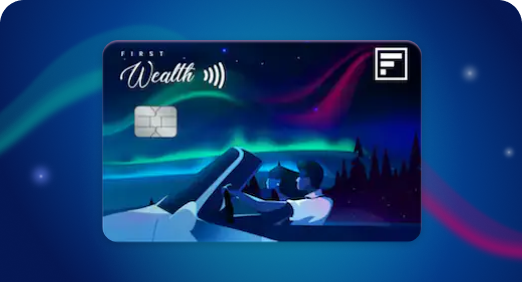
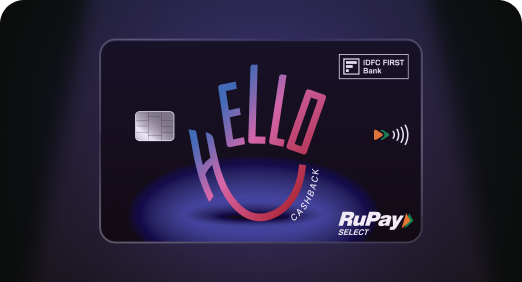

Enjoy Zero Forex on all IDFC FIRST Bank Credit Cards
Save more on all international spends
Know More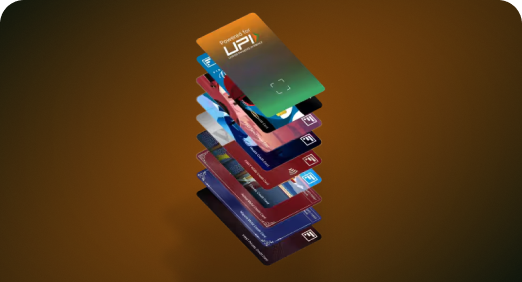
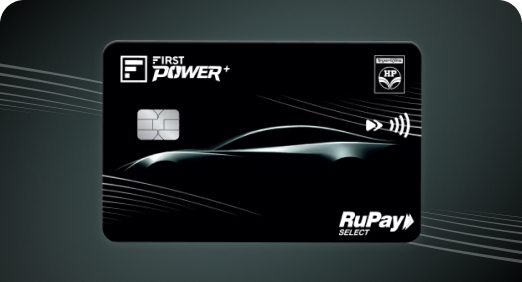
A Card that Powers your Savings & Lifestyle
IDFC FIRST Bank HPCL Credit Card








Most Searched
Earn up to 7% interest on your Savings Account
Open Account Now
Download our app
Get instant help for all your queries in one place
Unlock features, exclusively available
only on the IDFC FIRST Bank app
Trusted by 1.2+ million Indians.


4.8

4.8

Tools & Calculators
Privilege Program



Tools & Calculators

Unlock features, exclusively available
only on the IDFC FIRST Bank app

Click https://www.idfcfirst.bank.in/personal-banking/loans/loan-against-property to view the list of documents required for applying a LAP
An NOC will be sent on your registered email ID within 24 hours after loan closure. The same can also be downloaded through WhatsApp - click idfcfir.st/WAEng and type 9904 from your registered mobile number. You can also login to the IDFC FIRST mobile banking app, click on Loans and download the NOC through the Documents tab.
You may download the account statement through the mobile banking app by following the below steps:
You may download the repayment schedule through mobile banking app by following the below steps:
The same can also be downloaded through WhatsApp - click idfcfir.st/WAEng and type 9902 from your registered mobile number.
We request you to send the filled and digitally signed CHG4 form from your registered email ID. You will receive the digitally signed acknowledgement on the CHG4 form from IDFC FIRST bank within 48-72 Hrs.
You will receive the GST invoice on your registered email ID post 15th of the subsequent month after disbursal.

Should you take a personal loan if you already have existing EMIs? How to calculate your affordability
Updated on 22 Jun 2026 | 5 mins read
Personal loan for self-employed: How your GST number gets you funded faster
Updated on 22 Jun 2026 | 5 mins read
How to get the lowest personal loan interest rates for urgent approval within 24-48 hours in India
Updated on 22 Jun 2026 | 5 mins read
Looking to plan a holiday for your parents? A personal loan can make it easier
Updated on 18 Jun 2026 | 5 mins read
First time taking a personal loan in India? Here’s a simple step-by-step guide
Updated on 17 Jun 2026 | 5 mins read
CIBIL score for personal loan: What can an excellent score do for you?
Updated on 16 Jun 2026 | 5 mins read