








Login to Internet banking
A brand-new experience - smarter, faster, and secured



You gain a dedicated partner committed to helping you reach your full potential and achieve new heights
Know More
BRAVO (Auto Sweep)
Convert the idle funds in your current account into a fixed deposit with the BRAVO feature.
Know More
Zero Forex Markup Current Account
Maximise your savings and boost profitability with our Zero Forex Markup current accounts
Know More


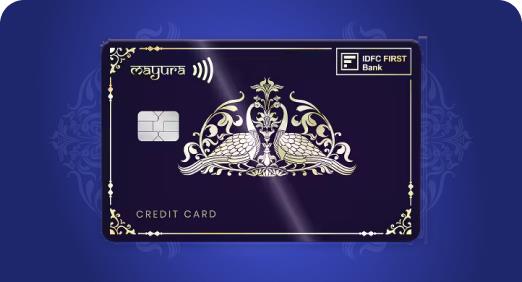

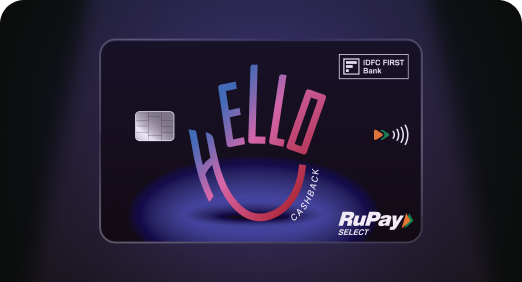
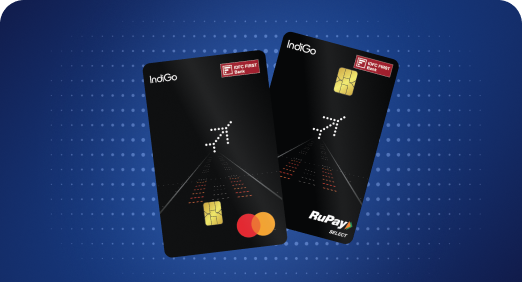

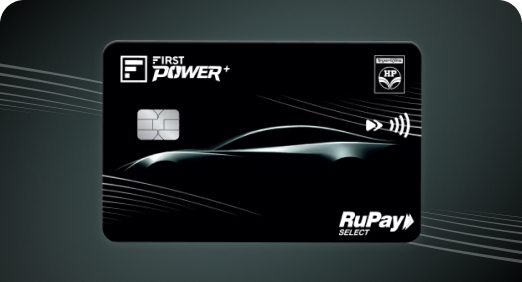
A Card that Powers your Savings & Lifestyle
IDFC FIRST Bank HPCL Credit Card








Most Searched
Earn up to 7% interest on your Savings Account
Open Account Now
Download our app
Get instant help for all your queries in one place
Unlock features, exclusively available
only on the IDFC FIRST Bank app
Trusted by 1.2+ million Indians.


4.8

4.8

Tools & Calculators
Privilege Program



Tools & Calculators

Unlock features, exclusively available
only on the IDFC FIRST Bank app

Customers can make payments for the following statutory dues using IDFC FIRST Bank:
- Direct Taxes (Income Tax, TDS, Advance Tax etc.)
- GST (Goods & Services Tax)
- Customs Duty (via ICEGATE)
- EPFO Contributions
- State Taxes (such as Assam, Meghalaya, Telangana, etc.)
Tax payments are initiated on the respective government portal. Customers can select IDFC FIRST Bank as the payment option and complete the transaction using available payment modes. Step by Step manuals are available here.
Customers can pay GST through the GST portal using IDFC FIRST Bank via multiple payment modes:
- Net Banking
- UPI (BHIM UPI)
- Debit / Credit Cards
- NEFT by generating challan
Customers can refer to the step-by-step user manuals available here to understand the complete payment process.
Customers can make Direct Tax payments using IDFC FIRST Bank through:
1. Net Banking: By choosing IDFC FIRST Bank on the Income Tax e-portal and completing the payment via Net Banking
2. NEFT: By generating a challan on the Income Tax portal and making payment using NEFT
Customers can refer to the step-by-step user manuals available here to understand the complete payment process.
There is no separate limit for tax payments. All transactions are subject to the overall transaction limits defined for the customer’s account or entity.
Beneficiary details (required for NEFT payments) are available on the challan/mandate generated on the respective government portal (Income Tax / GST / ICEGATE). Customers should use these details exactly as provided while making the payment.
For NEFT payments by generating challans, customers are not required to add a beneficiary. Dedicated tax payment options for GST, Direct Tax, and Customs Duty are available under Net Banking > Pay, enabling customers to complete payments seamlessly.
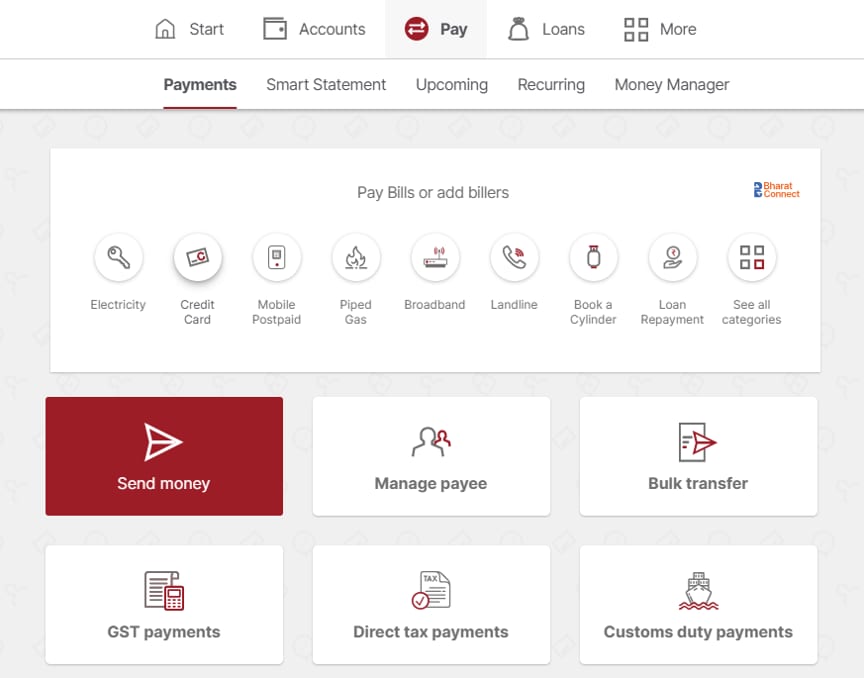
Customers can access step-by-step user manuals for GST, Direct Tax, Customs Duty, and EPFO payments on the IDFC FIRST Bank website. These manuals provide detailed guidance on completing tax payments through various modes.
Tax payments made via NEFT may be unsuccessful or returned in the following cases:
- Challan has expired at the time of payment
- Incorrect beneficiary details (such as challan number/CPIN or IFSC) entered
- Payment amount does not exactly match the challan amount
- Incorrect bank selected while generating the challan on the government portal
Customers are advised to verify all challan details and retry the transaction.
Challans are generated and updated on the respective government portals (Income Tax / GST / ICEGATE). If the challan is not visible after payment:
- There may be a short delay in status update
- Customers should check using the UTR or challan reference (CPIN) on the respective portal
If the issue persists, customers can contact the respective government portal support team.
No, the bank does not share tax challans via email. Challans are generated and hosted on the respective government portals (Income Tax, GST, ICEGATE, EPFO). Customers can download the challan directly from the respective portal after successful payment.
For any Direct Tax challan-related queries, customers should contact the Income Tax Department helpdesk, as challans are generated and maintained on the Income Tax portal. Customers can also check the challan status or raise queries directly on the Income Tax portal using their transaction details.
For any GST challan-related queries, customers should contact the GST portal helpdesk, as challans are generated and maintained on the GST portal. Customers can also track payment status using the CPIN or transaction reference on the GST portal.
Setup charges or maintenance fee is not applicable for Tax/GST payment.