








Login to Internet banking
A brand-new experience - smarter, faster, and secured


BRAVO (Auto Sweep)
Convert the idle funds in your current account into a fixed deposit with the BRAVO feature.
Know More

Zero Forex Markup Current Account
Maximise your savings and boost profitability with our Zero Forex Markup current accounts
Know More
BRAVO (Auto Sweep)
Convert the idle funds in your current account into a fixed deposit with the BRAVO feature.
Know More
You gain a dedicated partner committed to helping you reach your full potential and achieve new heights
Know More


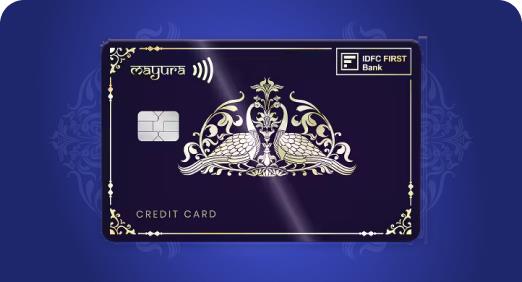
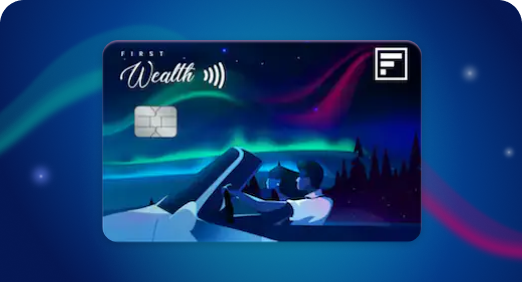
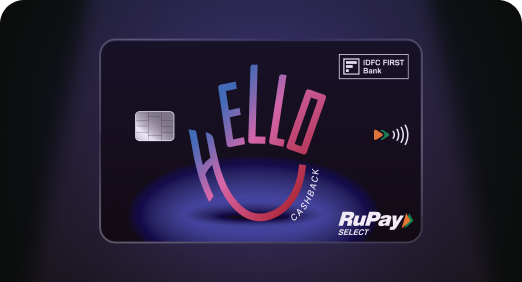

Enjoy Zero Forex on all IDFC FIRST Bank Credit Cards
Save more on all international spends
Know More
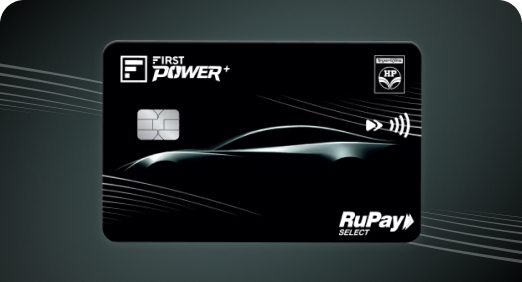
A Card that Powers your Savings & Lifestyle
IDFC FIRST Bank HPCL Credit Card
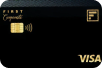

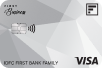






Most Searched
Earn up to 7% interest on your Savings Account
Open Account Now
Download our app
Get instant help for all your queries in one place
Unlock features, exclusively available
only on the IDFC FIRST Bank app
Trusted by 1.2+ million Indians.

4.8

4.8

Tools & Calculators
Privilege Program



Tools & Calculators

Unlock features, exclusively available
only on the IDFC FIRST Bank app

Yes, your debit card is equipped to process online transactions. Please note that the online transactions are disabled by default when the card is issued as per RBI guidelines. It should be activated from the Mobile Banking app before using it for online payments.
For more doubts, reach out to us on our toll free number 1800 10 888.
Bank offers multiple ways to re-set debit card the pin.
You will receive an SMS regarding the change of PIN.
In the event that your debit card is lost, you can block it permanently using the Mobile Banking app or by contacting customer support at 180010888. Further, you can also place request for re-issuance of a new Debit card at the time of blocking or later.
Debit card pin can be generated through mobile banking app or IVR.
The debit card is issued as per account opted by the customer. Currently, only Bank initiated card upgrades are allowed which are basis the net relationship value for the customer under program banking.
For more doubts, reach out to us on our toll free number 1800 10 888.
Yes, you can perform international transactions using IDFC FIRST Bank Debit cards. However, when the debit cards are issued, the international transaction feature is disabled by default as per the RBI mandate. Customers can easily turn it on using the IDFC FIRST mobile banking app.
Under Accounts -> Cards, turn on International Usage ( for Online, Offline, Contactless or ATM Withdrawal) and set the desired limit.

Should you take a personal loan if you already have existing EMIs? How to calculate your affordability
Updated on 22 Jun 2026 | 5 mins read
Personal loan for self-employed: How your GST number gets you funded faster
Updated on 22 Jun 2026 | 5 mins read
How to get the lowest personal loan interest rates for urgent approval within 24-48 hours in India
Updated on 22 Jun 2026 | 5 mins read
Looking to plan a holiday for your parents? A personal loan can make it easier
Updated on 18 Jun 2026 | 5 mins read
First time taking a personal loan in India? Here’s a simple step-by-step guide
Updated on 17 Jun 2026 | 5 mins read
CIBIL score for personal loan: What can an excellent score do for you?
Updated on 16 Jun 2026 | 5 mins read