









Login to Internet banking
A brand-new experience - smarter, faster, and secured



BRAVO (Auto Sweep)
Convert the idle funds in your current account into a fixed deposit with the BRAVO feature.
Know More

Zero Forex Markup Current Account
Maximise your savings and boost profitability with our Zero Forex Markup current accounts
Know More
BRAVO (Auto Sweep)
Convert the idle funds in your current account into a fixed deposit with the BRAVO feature.
Know More

You gain a dedicated partner committed to helping you reach your full potential and achieve new heights
Know More





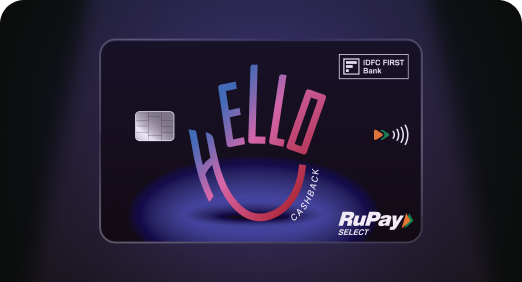

Enjoy Zero Forex on all IDFC FIRST Bank Credit Cards
Save more on all international spends
Know More
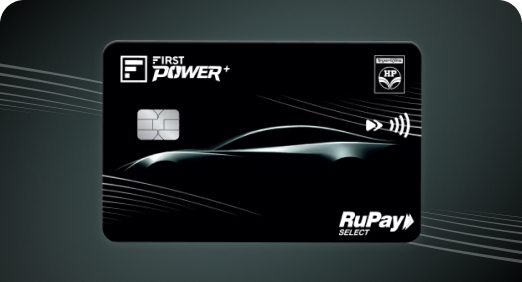
A Card that Powers your Savings & Lifestyle
IDFC FIRST Bank HPCL Credit Card









Most Searched
Earn up to 7% interest on your Savings Account
Open Account Now
Download our app
Get instant help for all your queries in one place
Unlock features, exclusively available
only on the IDFC FIRST Bank app
Trusted by 1.2+ million Indians.


4.8

4.8

Tools & Calculators
Privilege Program



Tools & Calculators

Unlock features, exclusively available
only on the IDFC FIRST Bank app

Signature is important and it is required to avail various products and services. To upload your signature
That's easy! Follow these steps to track your service requests:
Setting up your UPI account is very easy. All you need to do is:


